 Slow Bio Hack
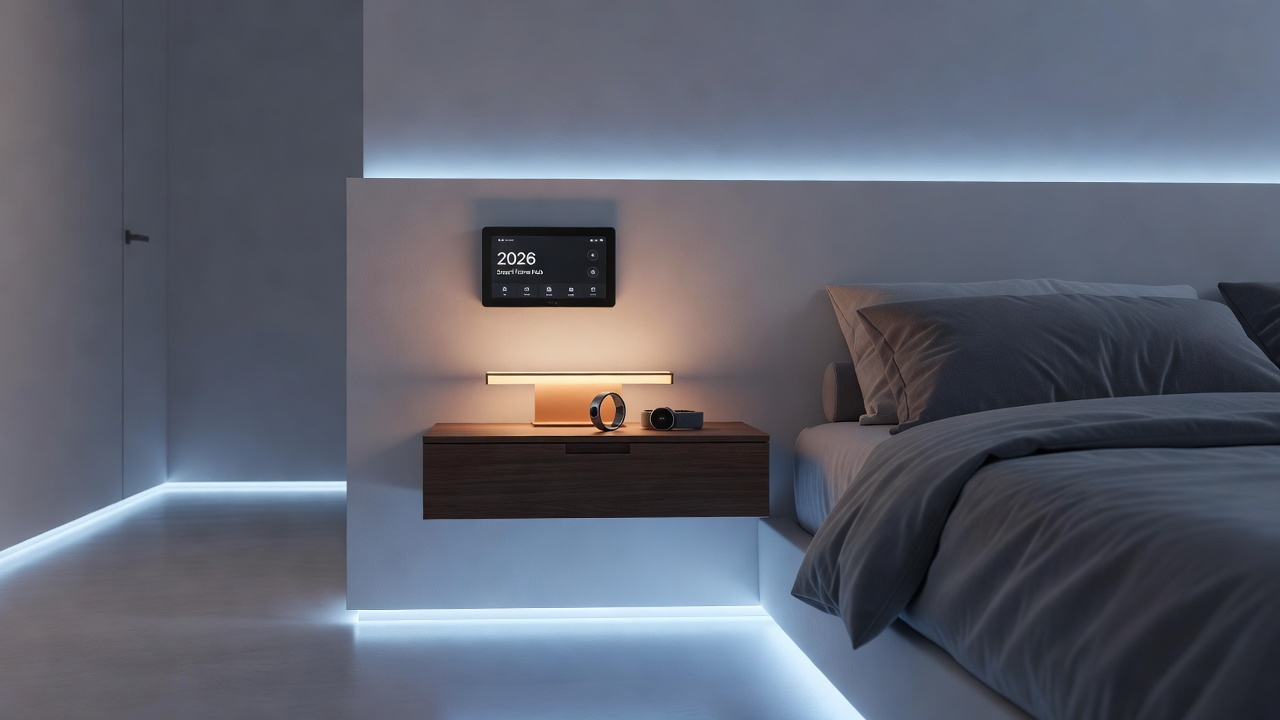
Smart Home Sync: Oura & Whoop Sleep Automation 2026
In 2026, wearable technology has evolved beyond passive tracking. Users now expect their Oura Ring and Whoop Band data to actively shape their sleep environment through smart home automation. This integration turns raw recovery metrics into real-time adjustments for lighting, temperature, and sound, creating personalized sleep sanctuaries without manual intervention. The shift reflects broader consumer demand for seamless tech synergies that reduce friction between data collection and actionable environmental changes.
Why Automate Sleep Environments with Wearables?
Standalone wearables provide excellent insights into heart rate variability, sleep stages, and recovery scores. However, pairing them with smart home ecosystems unlocks proactive changes that standalone apps cannot deliver. For example, if Oura detects low deep sleep, the system can lower bedroom temperature before bedtime. Whoop’s strain data can trigger morning light routines that align with circadian rhythms. This synergy addresses common search queries around convenience and automation, moving users past manual app checks. Research from leading health organizations shows that consistent environmental optimization can improve sleep efficiency by addressing factors like temperature fluctuations and light exposure in real time. Automation also supports long-term habit formation by removing the cognitive load of constant monitoring, allowing users to focus on recovery rather than configuration.
Many individuals experience fragmented sleep due to mismatched room conditions that their wearables detect but cannot correct automatically. By bridging this gap, Oura and Whoop users gain access to closed-loop systems where data directly influences devices. This approach is particularly valuable for shift workers or frequent travelers whose schedules vary, as the integrations adapt dynamically without daily reprogramming.
Comparing Oura and Whoop API Capabilities
Oura offers robust REST API access focused on sleep summaries, readiness scores, and temperature trends. Its endpoints support webhook triggers ideal for HomeKit scenes. Whoop emphasizes real-time strain and recovery metrics with stronger support for continuous data streams, making it suitable for Google Home routines that react throughout the night. Oura excels in detailed sleep architecture data, while Whoop provides faster feedback loops for dynamic adjustments like humidity control based on overnight exertion levels. Developers note that Oura’s daily summaries lend themselves to scheduled automations, whereas Whoop’s minute-level updates enable responsive changes during sleep cycles. Choosing between the two often depends on whether a user prioritizes depth of sleep insights or immediacy of recovery signals.
Setting Up Integrations with Apple HomeKit
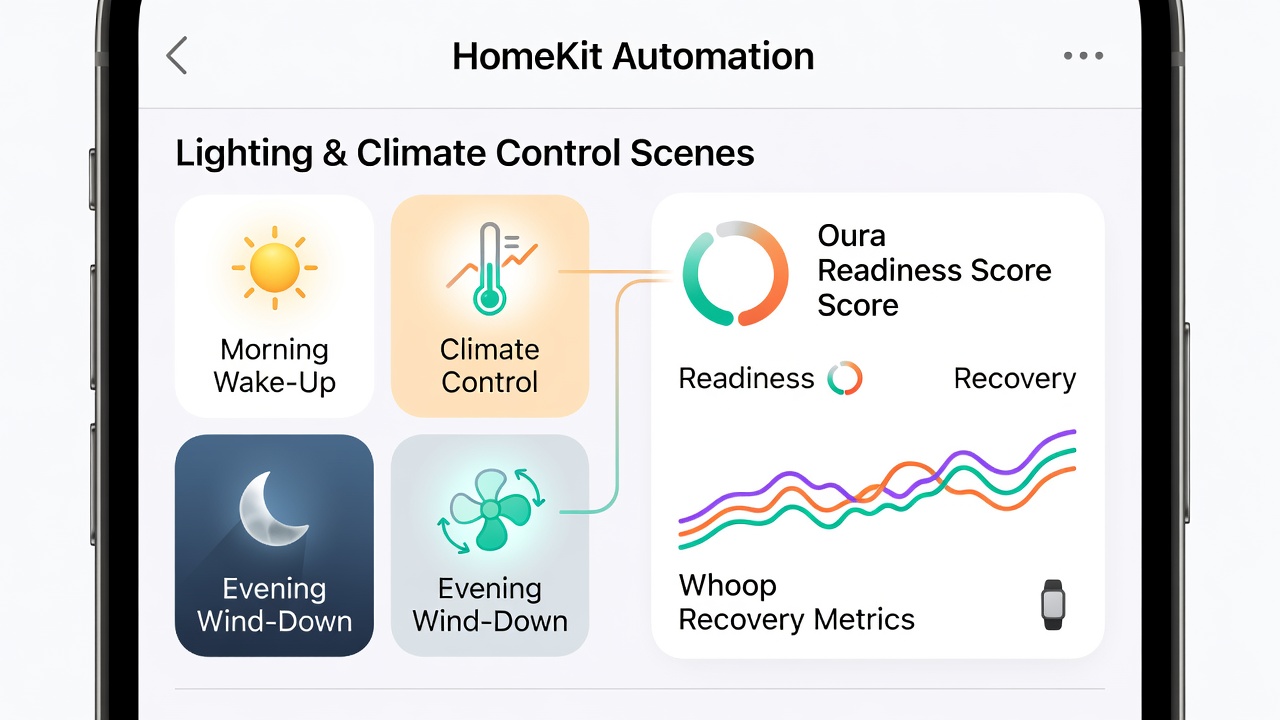
Begin by enabling third-party shortcuts in the Apple Home app. Use the Oura app’s export features or dedicated bridges like Homebridge to expose sleep scores as virtual sensors. Create automations such as: if readiness score drops below 70, activate a Philips Hue scene with warm, dim lighting at 10 PM. For climate, link to Ecobee thermostats to adjust by 2 degrees when Oura reports elevated nighttime temperatures. Test triggers during a 7-day calibration period to refine thresholds. Users should also explore the Apple HomeKit documentation for advanced scene scripting and permission settings. Whoop users can leverage similar bridges, mapping recovery data to HomeKit occupancy sensors. A practical example involves dimming lights progressively as sleep cycles enter deep stages, detected via API polling every 15 minutes. Additional steps include verifying Bluetooth range, ensuring firmware updates on all hubs, and creating backup routines for when API access temporarily lapses.
Google Home Integration Steps
Google Home supports routines triggered by custom webhooks. Connect Oura data through services like IFTTT or direct API calls to Google Assistant. Set conditions such as: when Whoop recovery exceeds 85%, start a sunrise simulation at 6:30 AM using compatible bulbs. Climate integration with Nest thermostats allows pre-cooling based on predicted sleep efficiency from the previous night’s Oura data. Advanced users implement Node-RED flows for more granular control, polling both APIs simultaneously and prioritizing the stronger signal for each automation type. Reference the Google Assistant developer resources to ensure secure webhook configurations and proper OAuth handling. This setup proves especially useful for households with mixed device ecosystems, where one platform must orchestrate multiple brands without conflicts.
Recommended Devices for Sleep Automation
- Adaptive lighting: Philips Hue or LIFX bulbs that shift from 2700K to 2200K based on wearable readiness, reducing blue light exposure as sleep approaches.
- Climate control: Ecobee or Nest systems that adjust temperature and humidity in response to skin temperature trends from Oura, maintaining the optimal 60–67°F range.
- Sound masking: Sonos speakers playing brown noise when Whoop detects frequent awakenings, masking external disturbances without constant playback.
- Curtain automation: Motorized shades that open gradually aligned with Oura’s sleep cycle predictions, supporting natural light exposure upon waking.
Each device category offers multiple price tiers and compatibility levels, so begin with core items like lighting and thermostats before expanding to audio or shading systems.
Real-User Case Examples
One biohacker in Seattle configured Oura with HomeKit to reduce bedroom temperature by 1.5 degrees whenever nighttime skin temperature rose, resulting in a consistent 12% improvement in deep sleep over two months. The setup included temperature sensors placed at bed level for accurate readings and fallback routines for power outages. Another user combined Whoop with Google Home routines to trigger white noise only during light sleep phases, cutting average wake time by 18 minutes nightly. A third example involves a couple who synchronized both wearables: Oura handled evening wind-down lighting while Whoop managed morning alerts, creating a shared environment that accommodated differing recovery needs without manual overrides. These examples highlight how API strengths translate into tangible environmental tweaks rather than generic schedules.
Mistakes to Avoid During Implementation
Common pitfalls include setting overly aggressive thresholds that trigger unnecessary changes, such as temperature swings every hour. Users should also avoid sharing full data streams with unverified third-party bridges and instead limit access to essential metrics only. Testing automations during daytime hours prevents sleep disruption while fine-tuning. Finally, monitor battery drain on wearables caused by frequent API polling and adjust intervals accordingly.
Privacy and Troubleshooting FAQ
How secure is sharing wearable data with smart home platforms?
Both Oura and Whoop use OAuth authentication. Limit permissions to read-only access and review connected apps quarterly. Data remains encrypted in transit, but users should avoid exposing raw metrics publicly. Consult FTC consumer privacy guidelines for additional best practices on connected devices.
What if automations fail to trigger?
Check API rate limits first—Oura allows 100 requests per hour. Verify webhook endpoints in the Home app or Google routines. Restart bridges like Homebridge and confirm device firmware is current.
Can I revoke access easily?
Yes, disconnect integrations directly in each wearable app’s settings menu. This immediately stops data flow to external platforms.
How do I handle multiple users in one household?
Assign separate routines to each wearable profile and use presence detection to activate only the relevant user’s automations when they are detected in the bedroom.
Conclusion
Integrating Oura and Whoop with smart home ecosystems in 2026 transforms passive tracking into active environmental optimization. By following the setup steps for HomeKit or Google Home, selecting compatible devices, and addressing privacy concerns, users achieve deeper, more consistent rest. Start with one platform and expand based on which wearable’s API aligns best with your priorities. The result is a truly responsive sleep environment tailored to individual recovery patterns.
No comments yet. Be the first!